Payment Policy
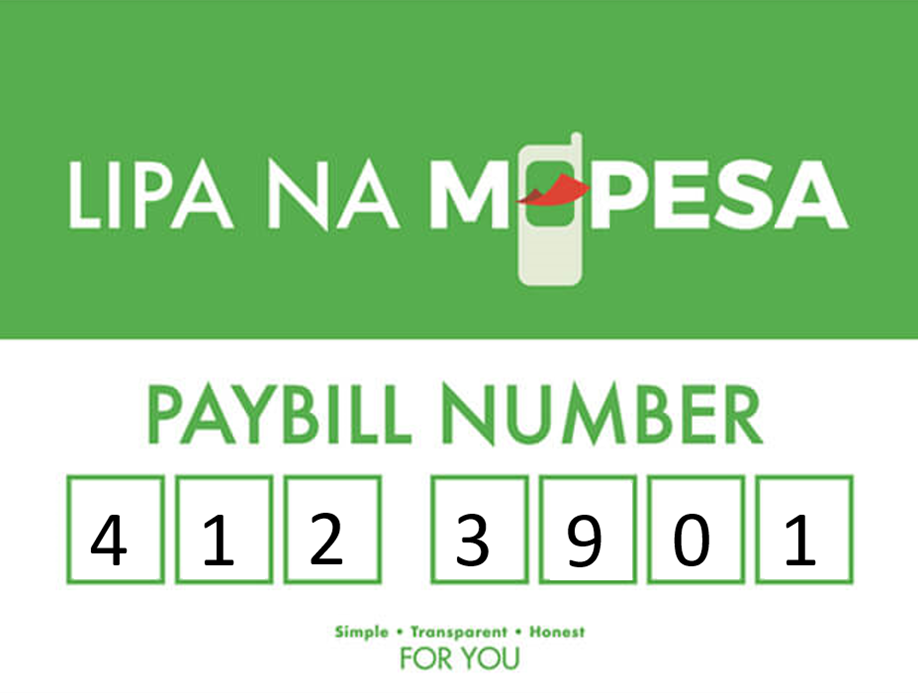
At Open Doors SACCO, we only accept payments through M-Pesa Paybill 4123901 or bank deposits via Co-operative Bank. Cash payments are not accepted under any circumstances. This ensures better security, faster processing, and clear records for every transaction. It also helps us maintain transparency and accountability while offering members the convenience of digital banking. For any assistance, please contact our office.
Making Payments via M-pesa
A step by step guide on how to make payments via Mpesa.
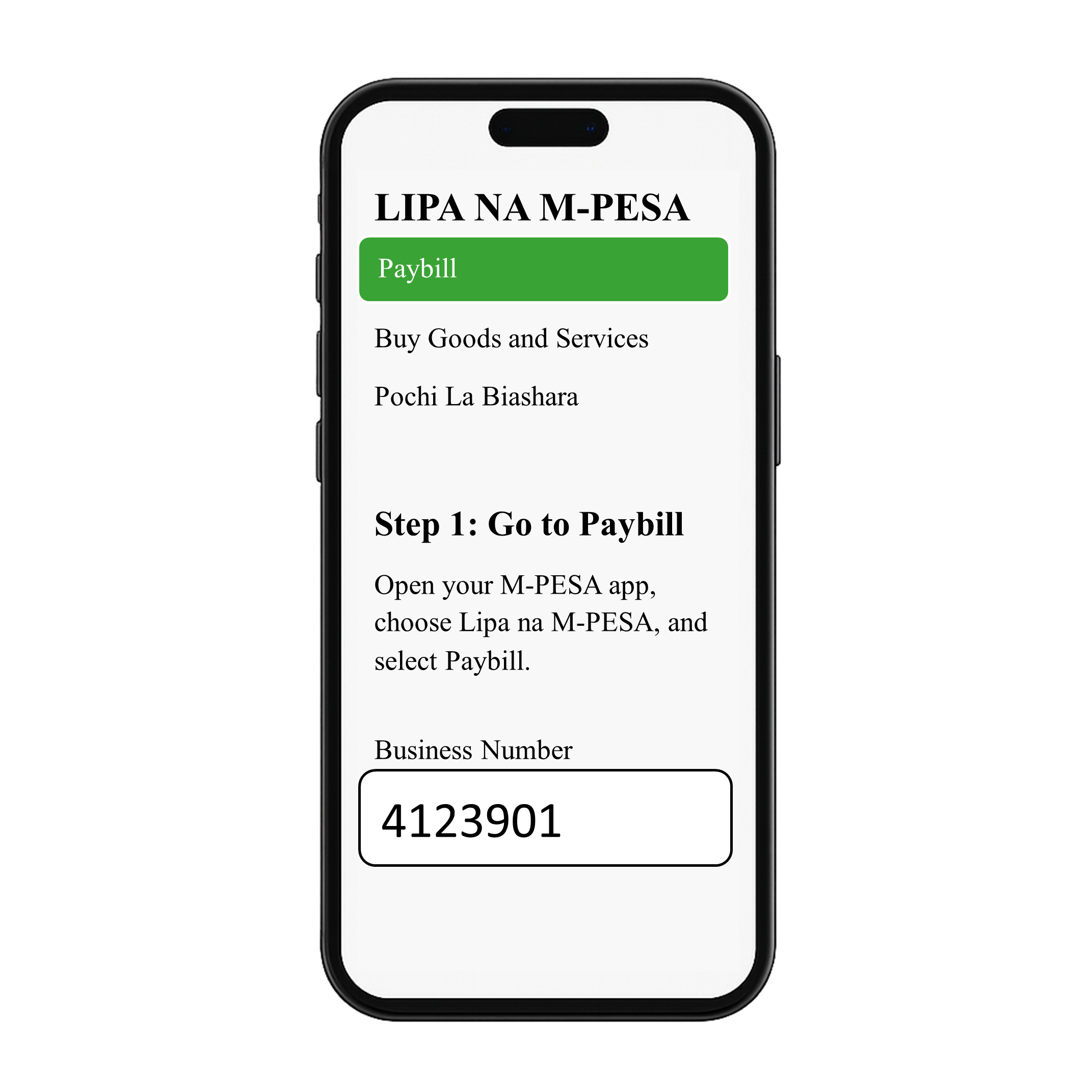
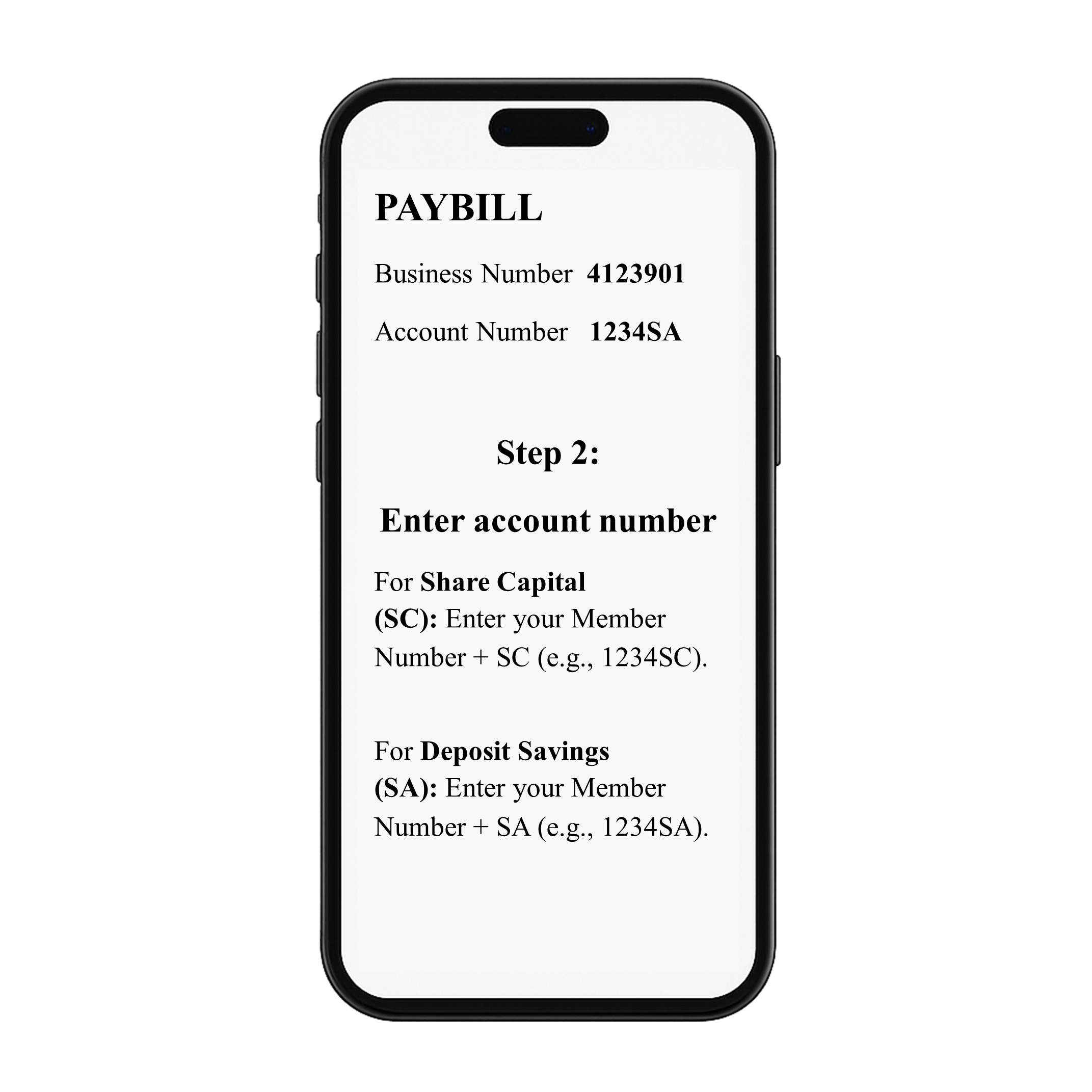
Go to Mpesa and Select paybill
Open your M-Pesa app, choose Lipa na M-Pesa, and select Paybill. Enter 4123901 as the Business Number.
Enter account number
For Share Capital (SC): Enter your Member Number + SC (e.g., 1234SC).
For Deposit Savings (SA): Enter your Member Number + SA (e.g., 1234SA).
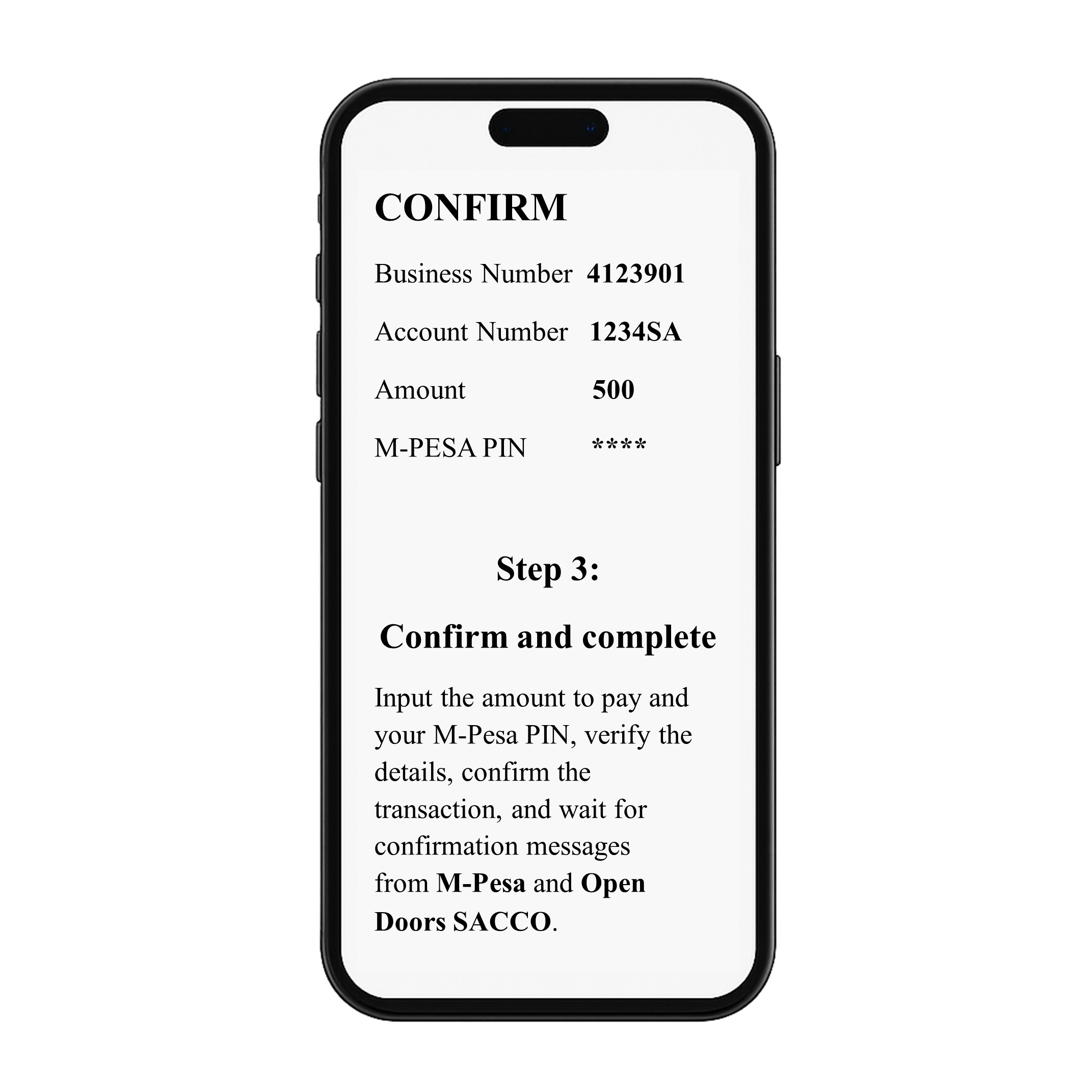
Confirm and Complete.
Input the amount to pay and your M-Pesa PIN, verify the details, confirm the transaction, and wait for confirmation messages from M-Pesa and Open Doors SACCO.
Making Payments via Bank
Members can make deposits through our official bank account at C0-oprative Bank using the following details:
Bank Code: 1100
Branch Code: 1138
Swift Code: KCOOKENA
Account Number: 01100012415002
Account Name: OPEN DOORS SAVINGS & CREDIT CO-OP SOC LTD
Payment Details: Enter the Member Number you registered with the SACCO, or your ID Number